Sensit Smart Bluetooth Potentiostat w/Sensor Cable
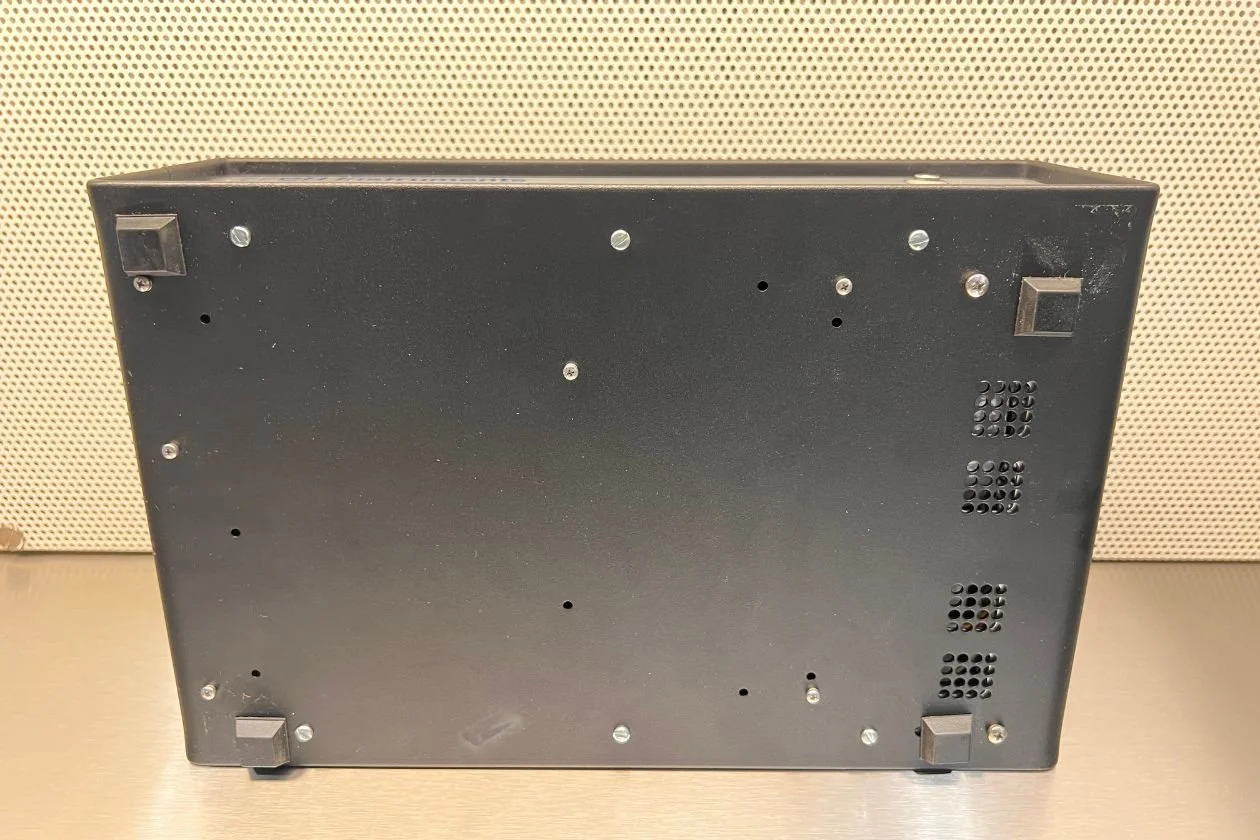
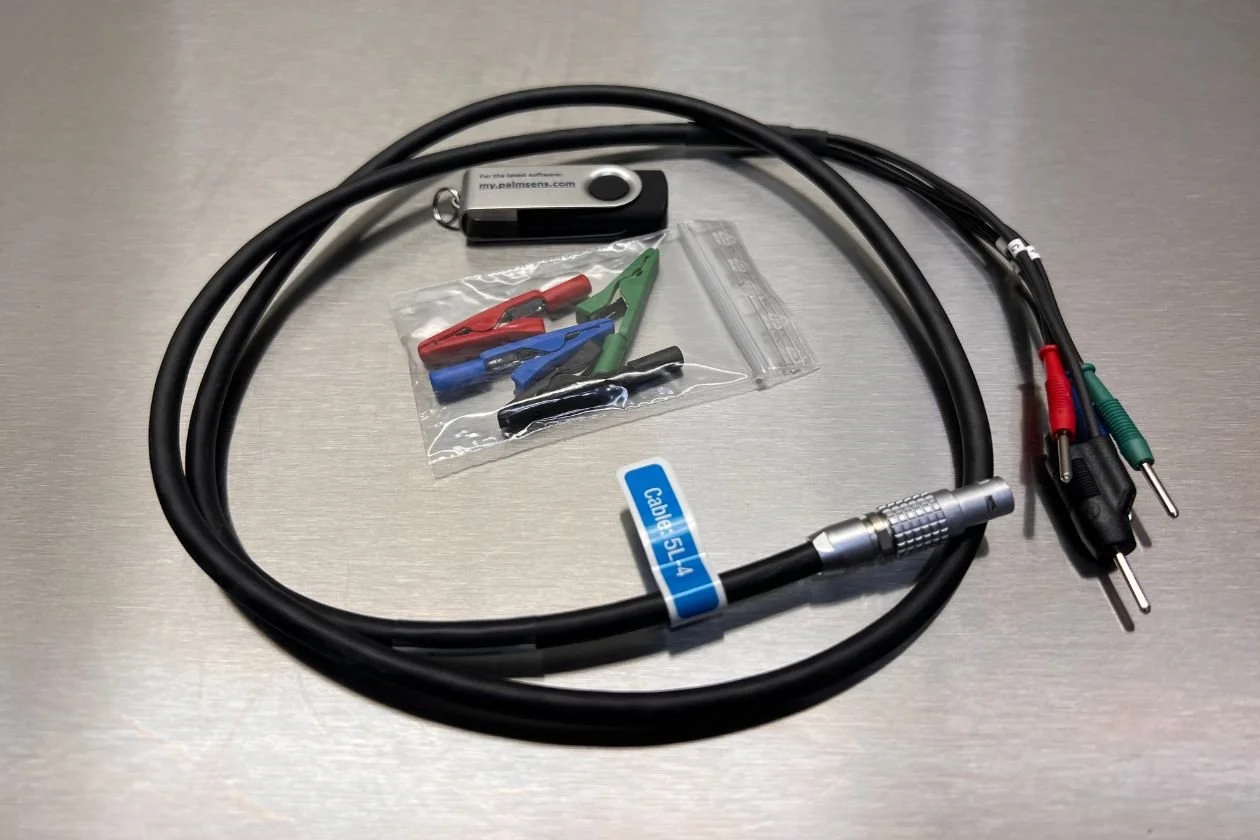
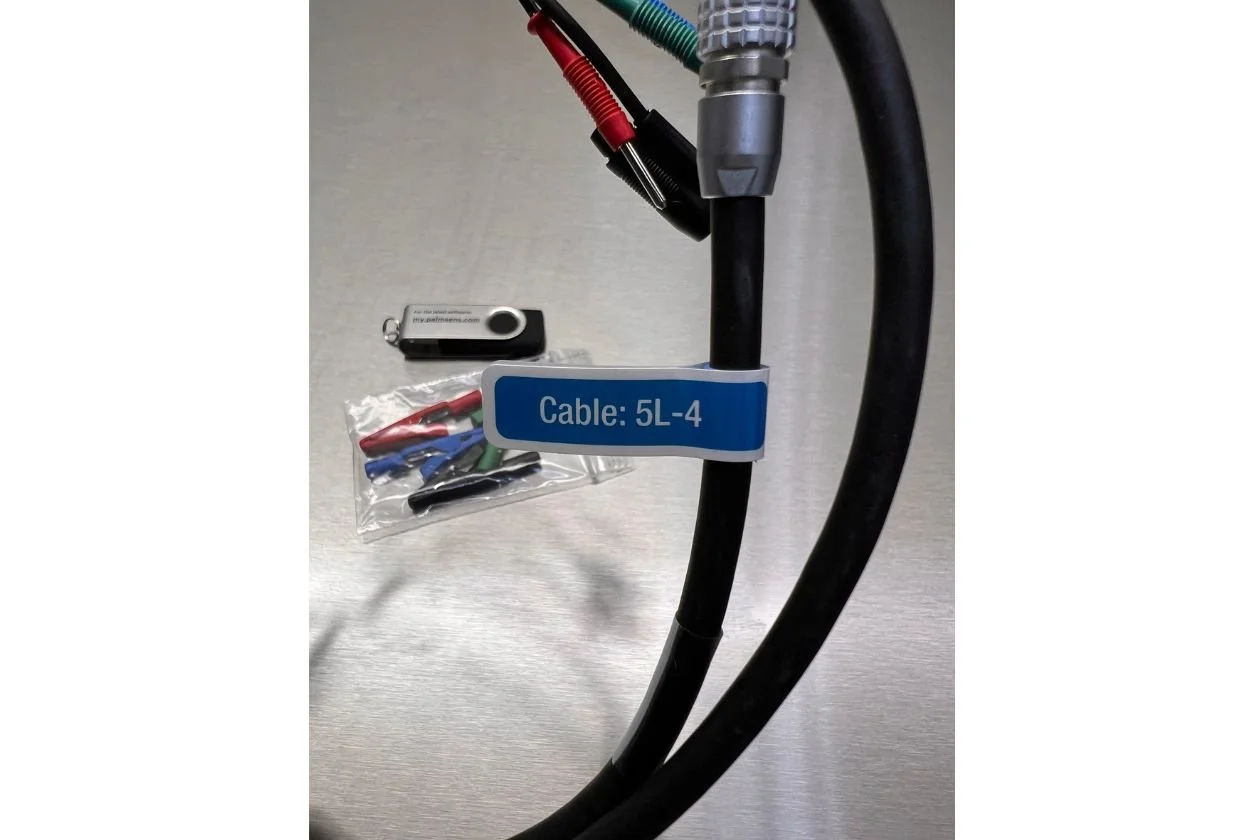
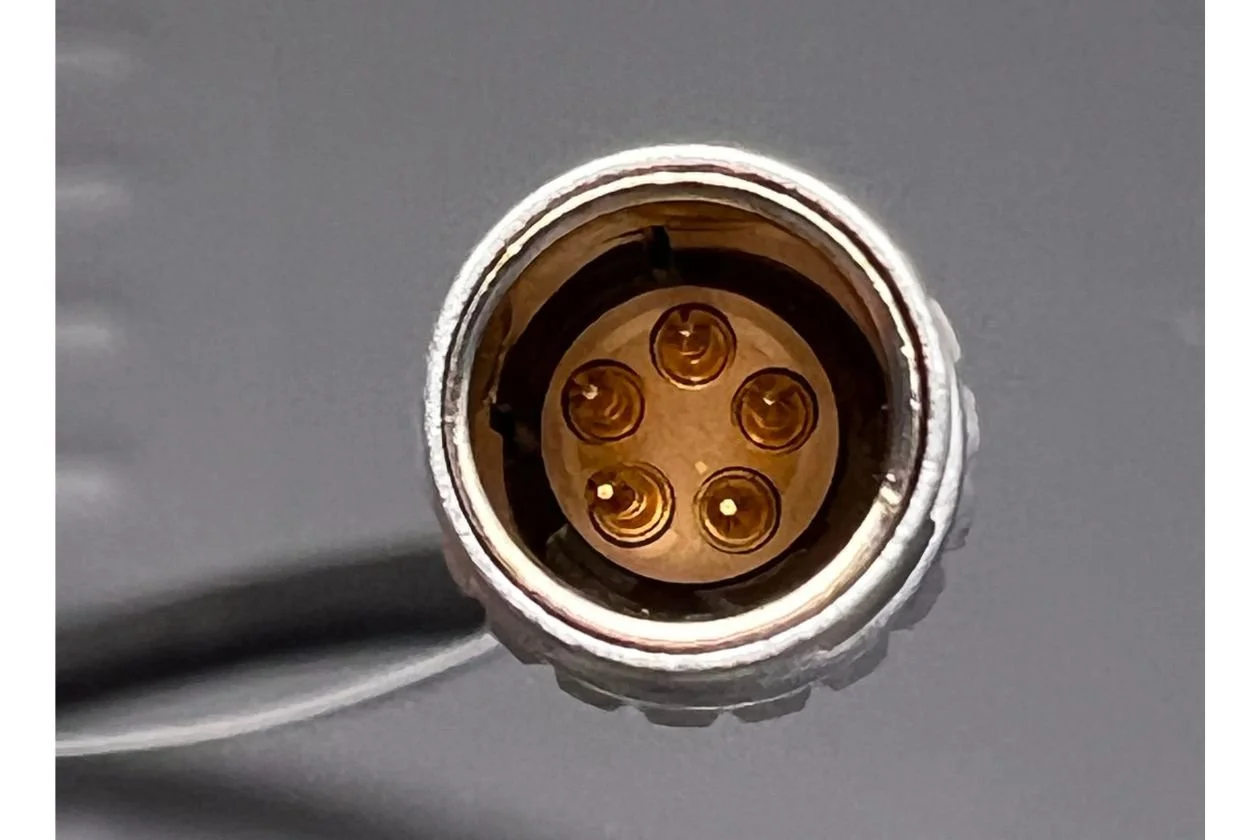
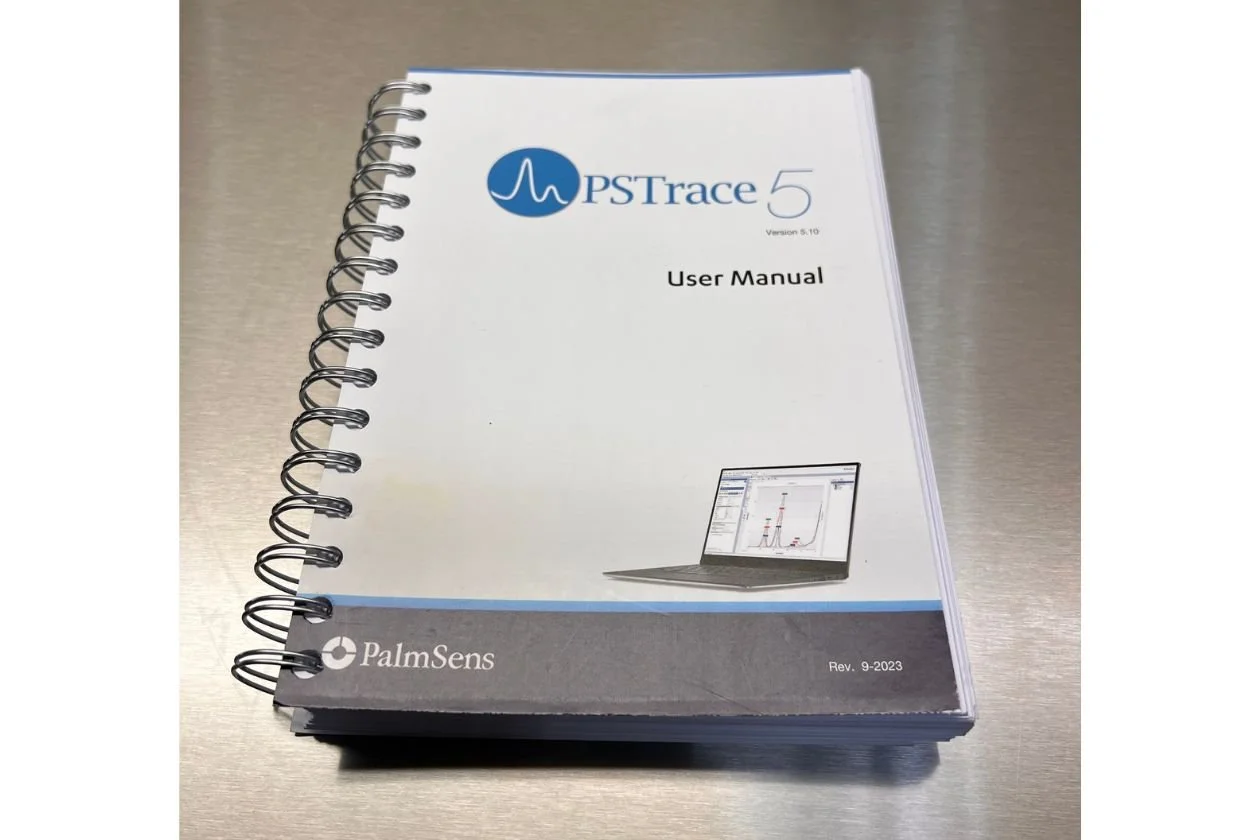
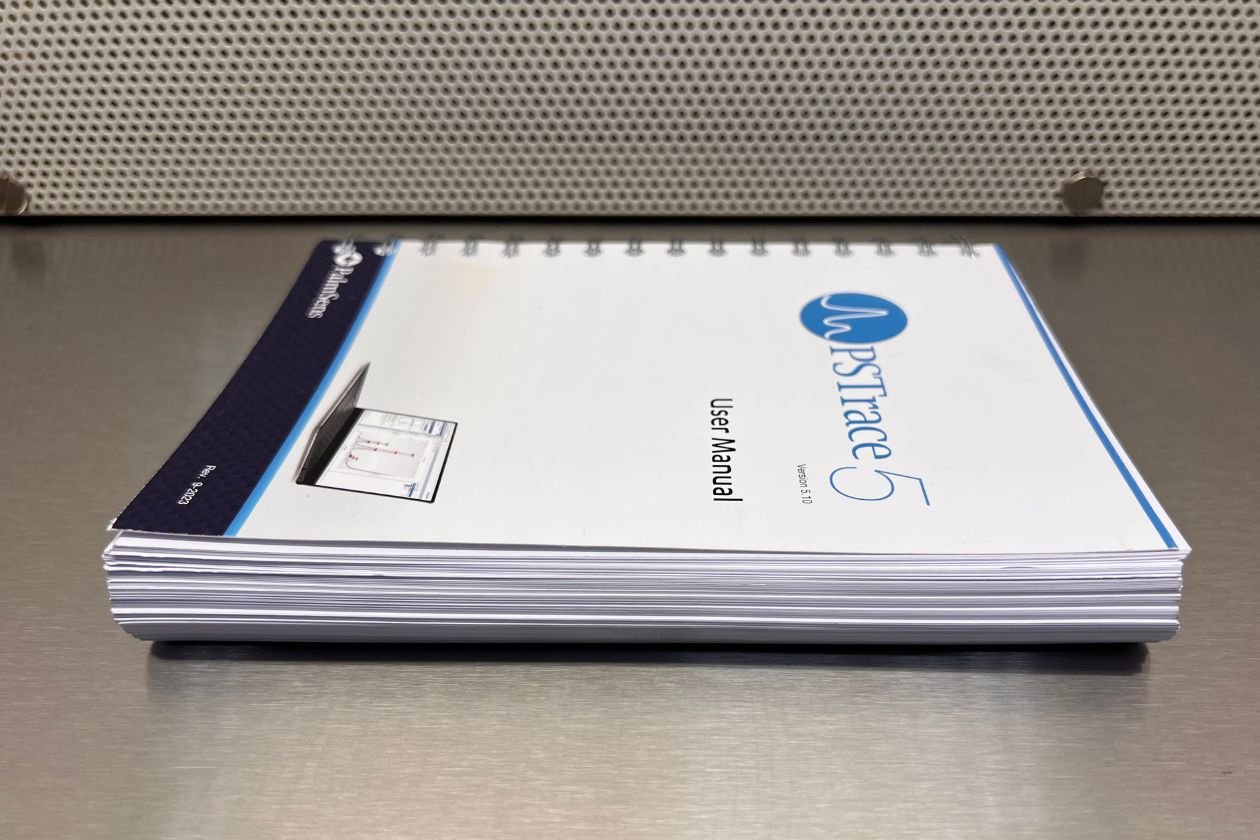
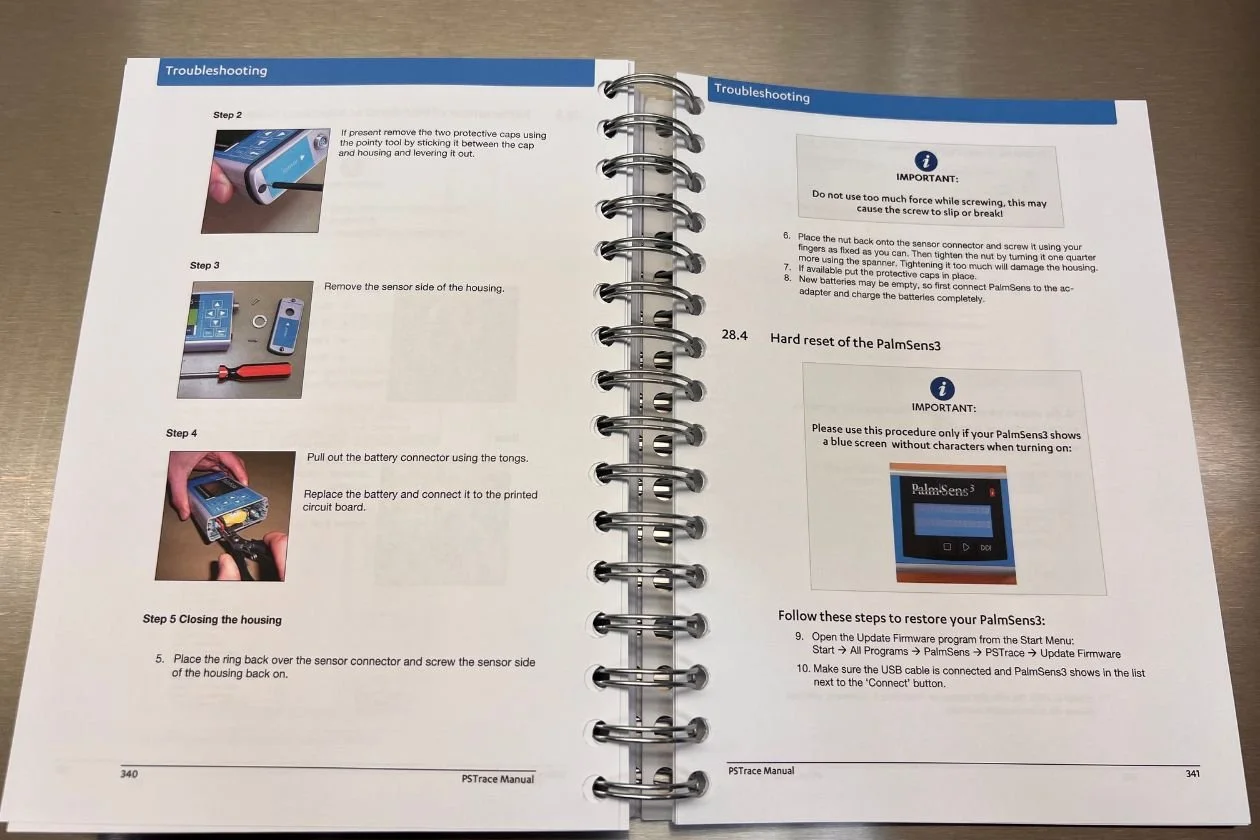
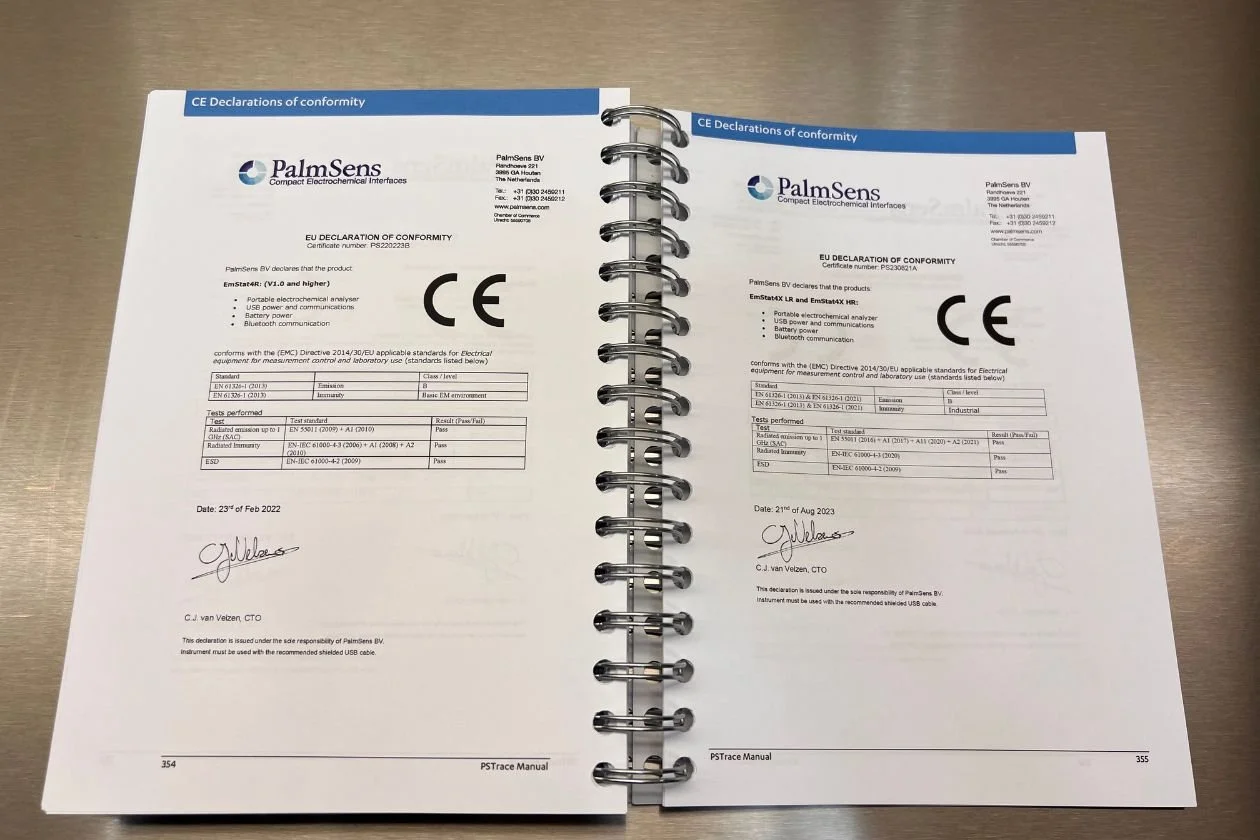
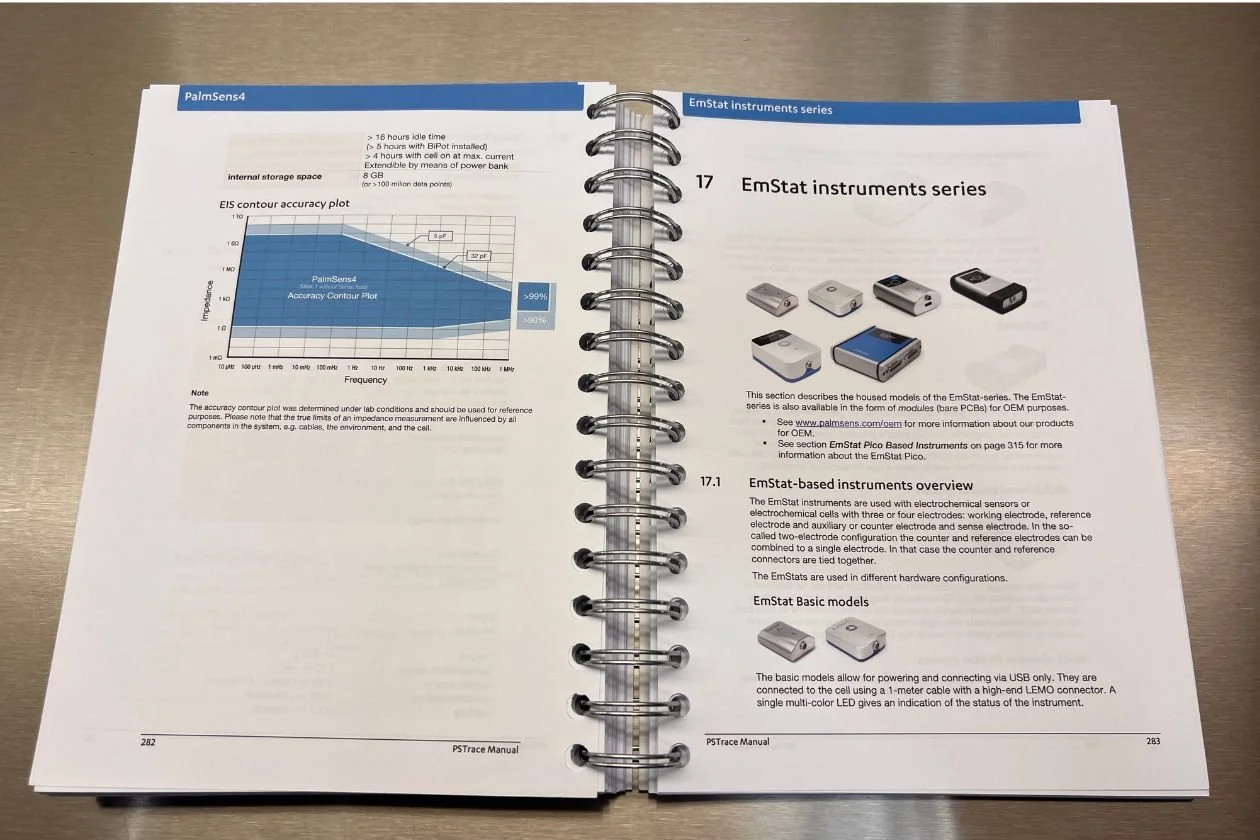
We procured 6 of these units from a local biotech who was changing their research focus. They are all 2023 models, in like new condition. Each unit comes with rugged stackable carrying case, dummy cell 5x croc clips, USB-C cable, quick start guide, PSTrace Software on USB Stick, and PSTrace Manual (everything seen in the photos). Last image simply shows stackable cases if you have more than one unit.
From the manufacturer:
Model: PALM-SENSIT-BT-SNS
The Sensit BT is ideal for electrochemical sensor applications. The Sensit BT connects wirelessly to your smartphone or tablet and controlled via the Android app PStouch. You can use the USB-C port to charge the Sensit BT or connect to a classic USB port on your PC and control the Sensit BT via our PC software PSTrace.
The Sensit BT supports most common electrochemical techniques, including Cyclic Voltammetry, Square Wave Voltammetry and Impedance Spectroscopy (FRA/EIS).
Smartphone potentiostat with bluetooth, cabling for connecting to any kind of electrochemical sensor or cell, and capable of EIS up to 200kHz.
Dual-channel and Bipotentiostat
The Sensit BT.SPE can be used for running sequential measurements on two different Screen-Printed Electrodes (SPE’s) each with their own Reference, Counter and Working electrodes.
The second channel can also be used in Bipotentiostat mode, functioning as second Working Electrode versus the Reference and Counter electrode of channel 1. Both working electrodes are recorded simultaneously in the Bipotentiostat mode.
The Sensit BT.SNS has a lead connected to the WE of channel 2 and can be used out-of-the-box for BiPotentiostat measurements.
On-board data storage
The Sensit BT is equipped with 500 MB internal storage memory.
Save measurements on-board as a backup. Or pre-program the device with a script and use the trigger button to run and store measurements: no need to connect a PC or smartphone. Browse and transfer all internally stored measurements back to the PC easily using PSTrace for Windows
Sensit Smart Bluetooth Potentiostat w/Sensor Cable
We procured 6 of these units from a local biotech who was changing their research focus. They are all 2023 models, in like new condition. Each unit comes with rugged stackable carrying case, dummy cell 5x croc clips, USB-C cable, quick start guide, PSTrace Software on USB Stick, and PSTrace Manual (everything seen in the photos). Last image simply shows stackable cases if you have more than one unit.
From the manufacturer:
Model: PALM-SENSIT-BT-SNS
The Sensit BT is ideal for electrochemical sensor applications. The Sensit BT connects wirelessly to your smartphone or tablet and controlled via the Android app PStouch. You can use the USB-C port to charge the Sensit BT or connect to a classic USB port on your PC and control the Sensit BT via our PC software PSTrace.
The Sensit BT supports most common electrochemical techniques, including Cyclic Voltammetry, Square Wave Voltammetry and Impedance Spectroscopy (FRA/EIS).
Smartphone potentiostat with bluetooth, cabling for connecting to any kind of electrochemical sensor or cell, and capable of EIS up to 200kHz.
Dual-channel and Bipotentiostat
The Sensit BT.SPE can be used for running sequential measurements on two different Screen-Printed Electrodes (SPE’s) each with their own Reference, Counter and Working electrodes.
The second channel can also be used in Bipotentiostat mode, functioning as second Working Electrode versus the Reference and Counter electrode of channel 1. Both working electrodes are recorded simultaneously in the Bipotentiostat mode.
The Sensit BT.SNS has a lead connected to the WE of channel 2 and can be used out-of-the-box for BiPotentiostat measurements.
On-board data storage
The Sensit BT is equipped with 500 MB internal storage memory.
Save measurements on-board as a backup. Or pre-program the device with a script and use the trigger button to run and store measurements: no need to connect a PC or smartphone. Browse and transfer all internally stored measurements back to the PC easily using PSTrace for Windows

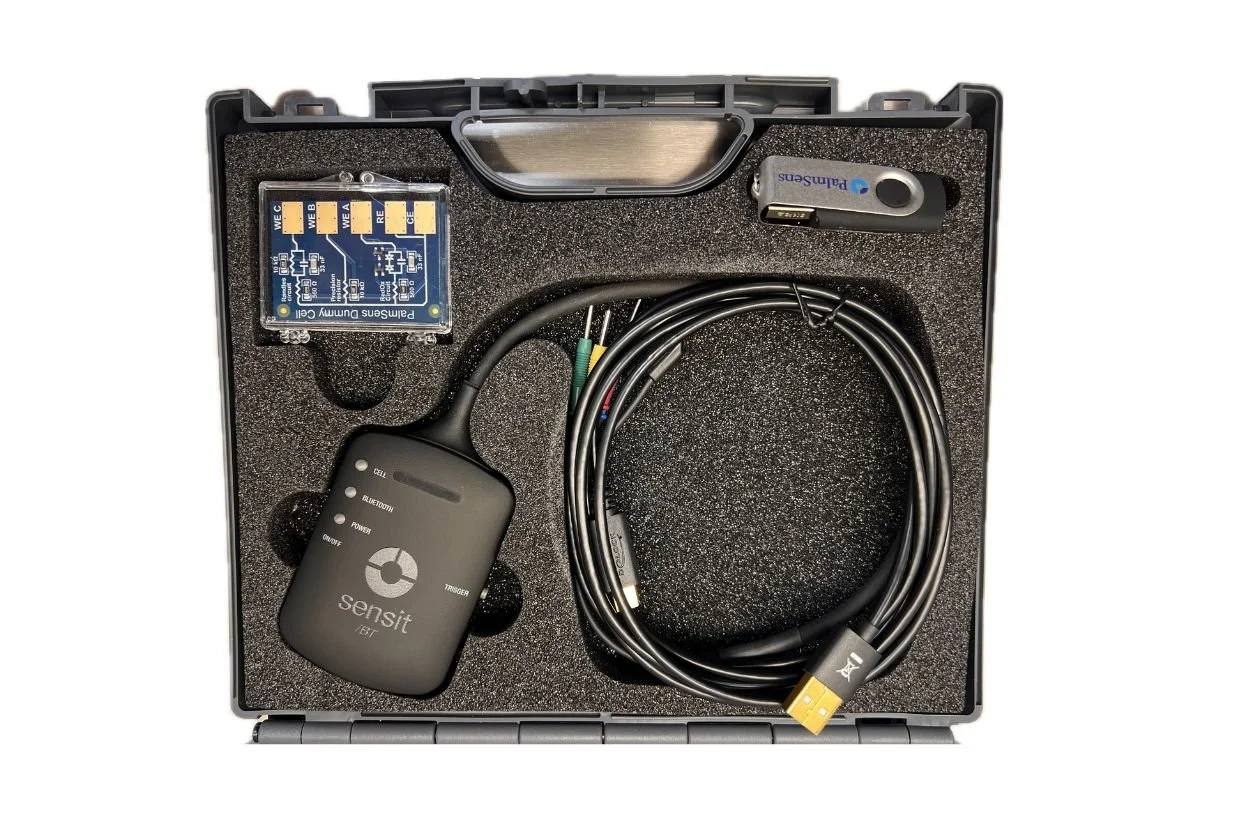 Image 1 of 14
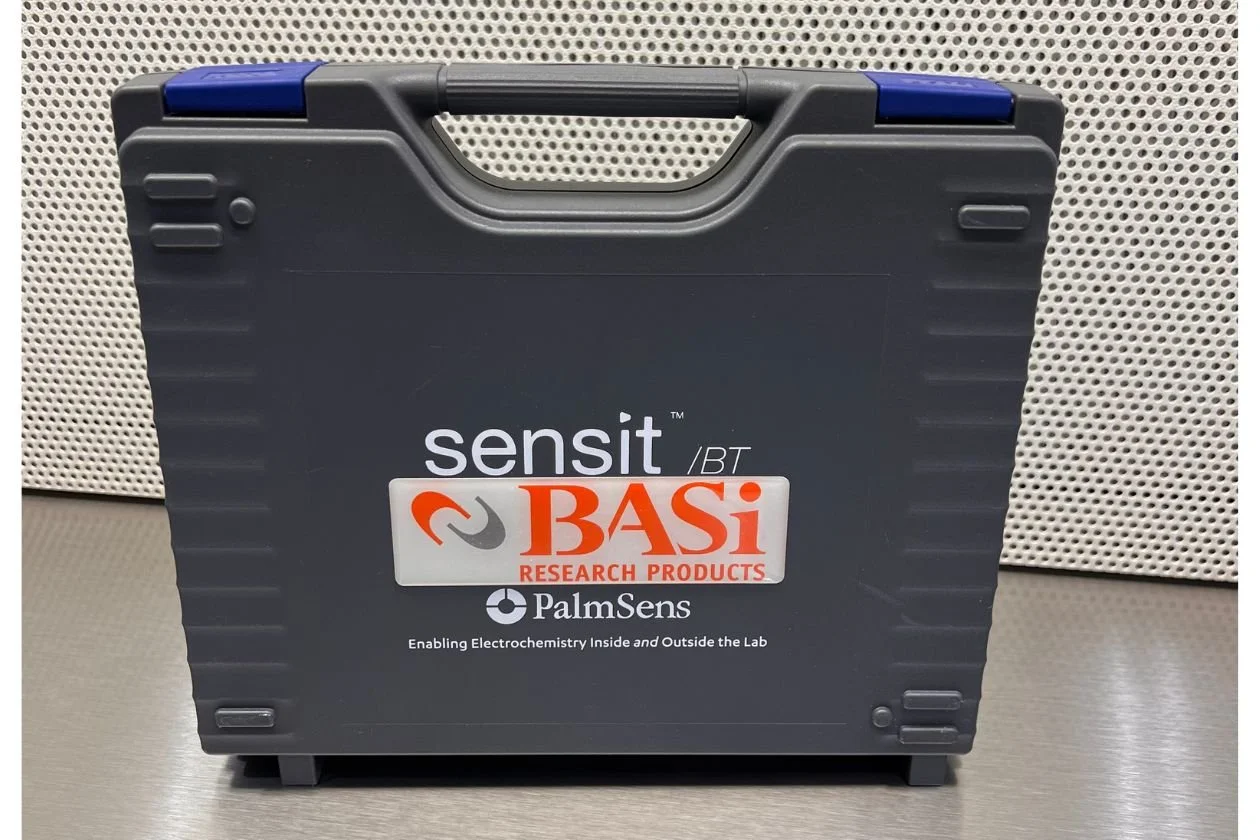 Image 2 of 14
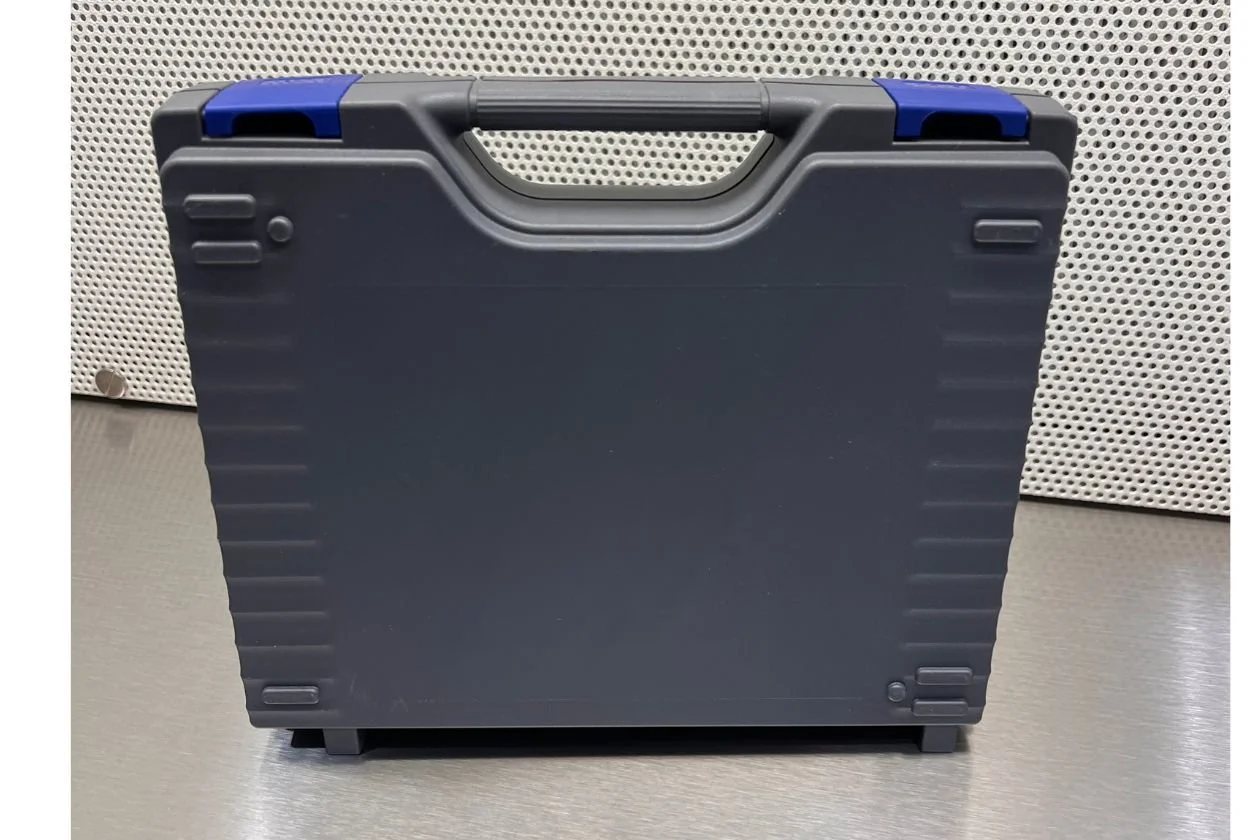 Image 3 of 14
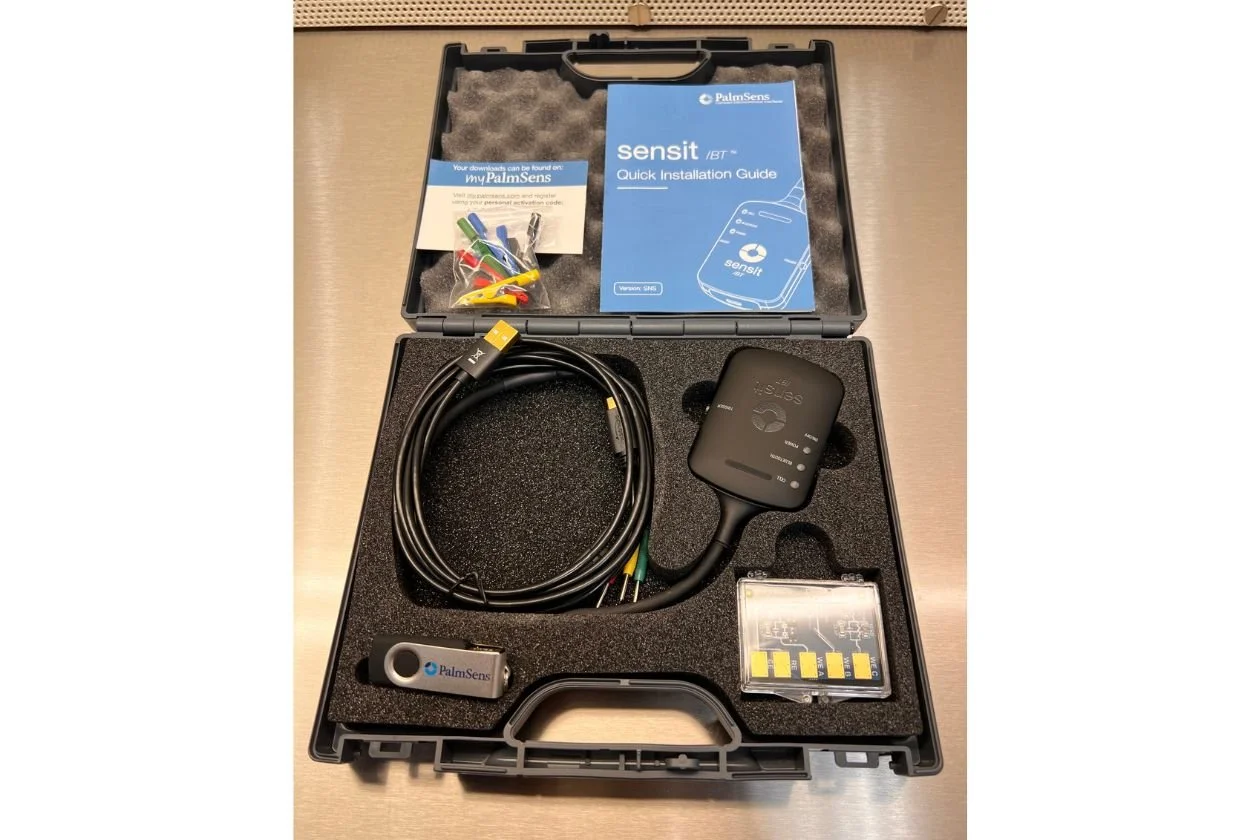 Image 4 of 14
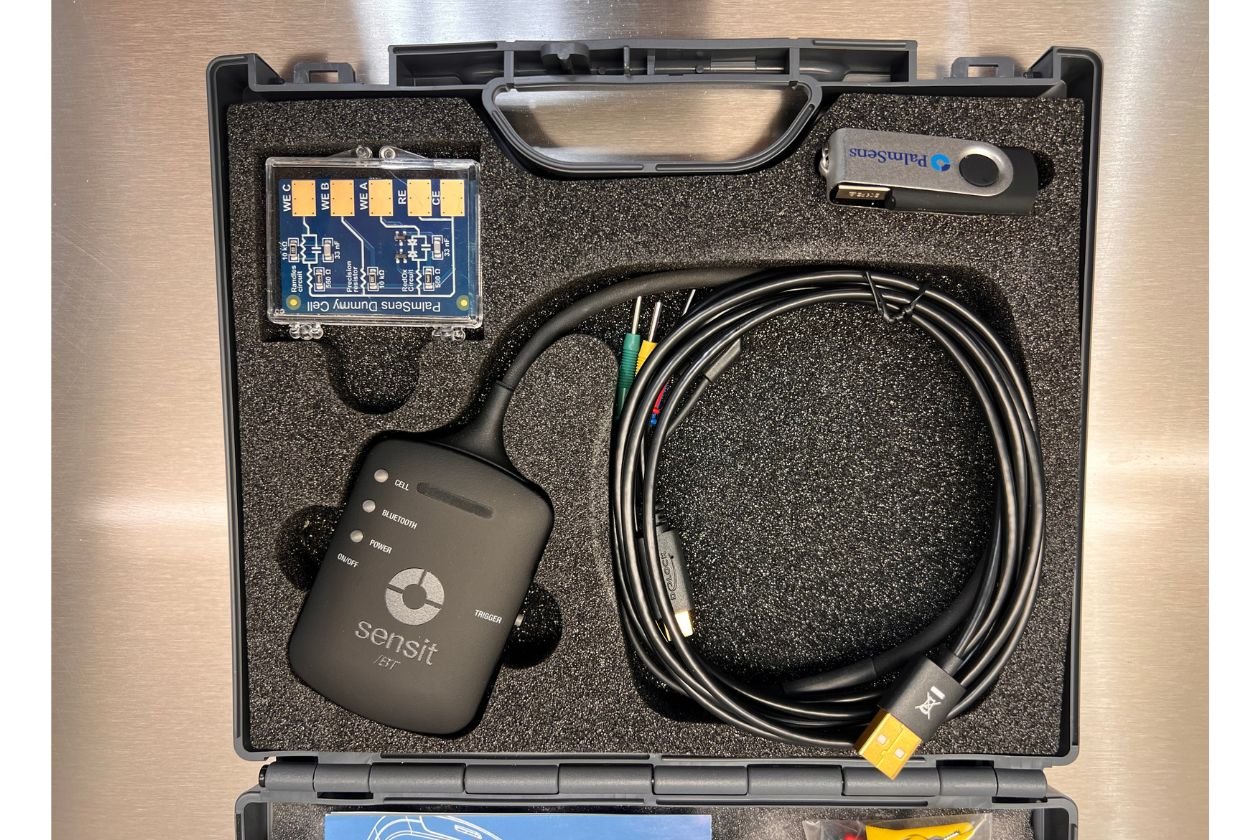 Image 5 of 14
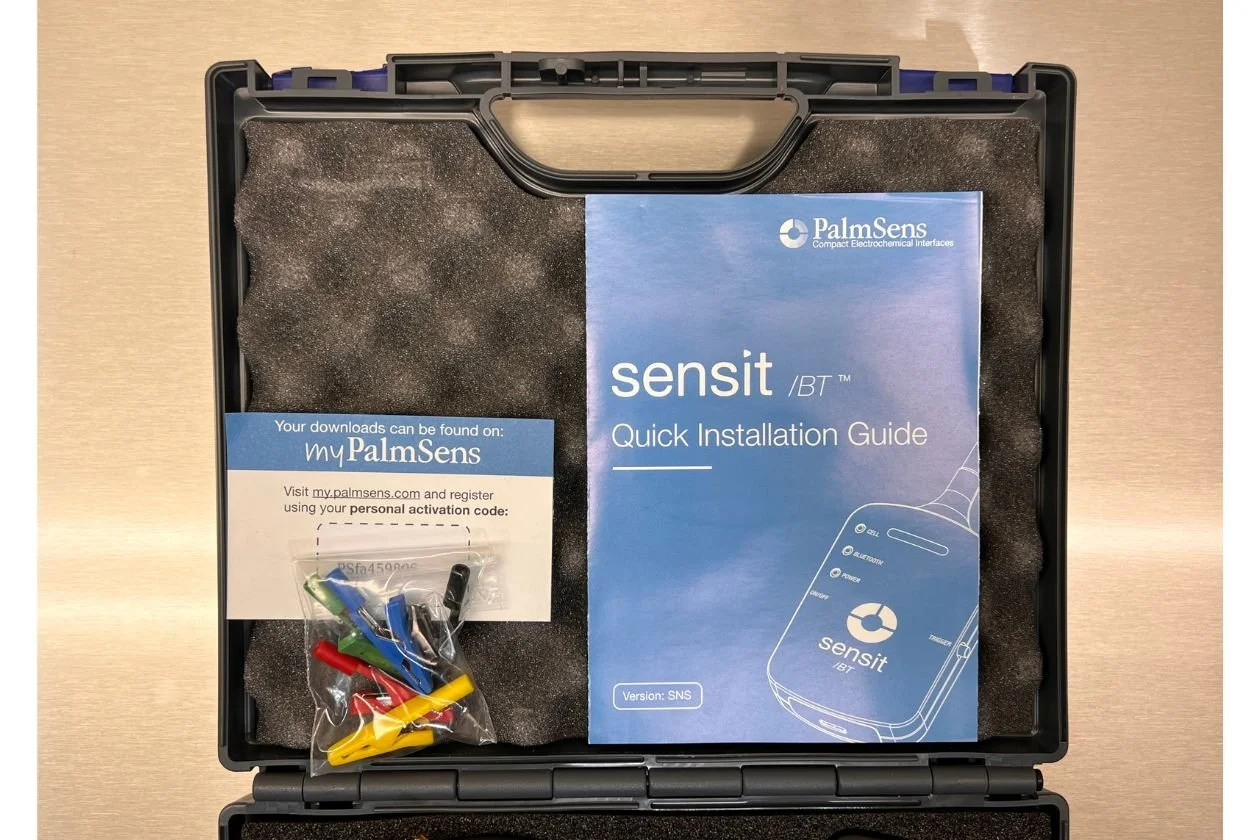 Image 6 of 14
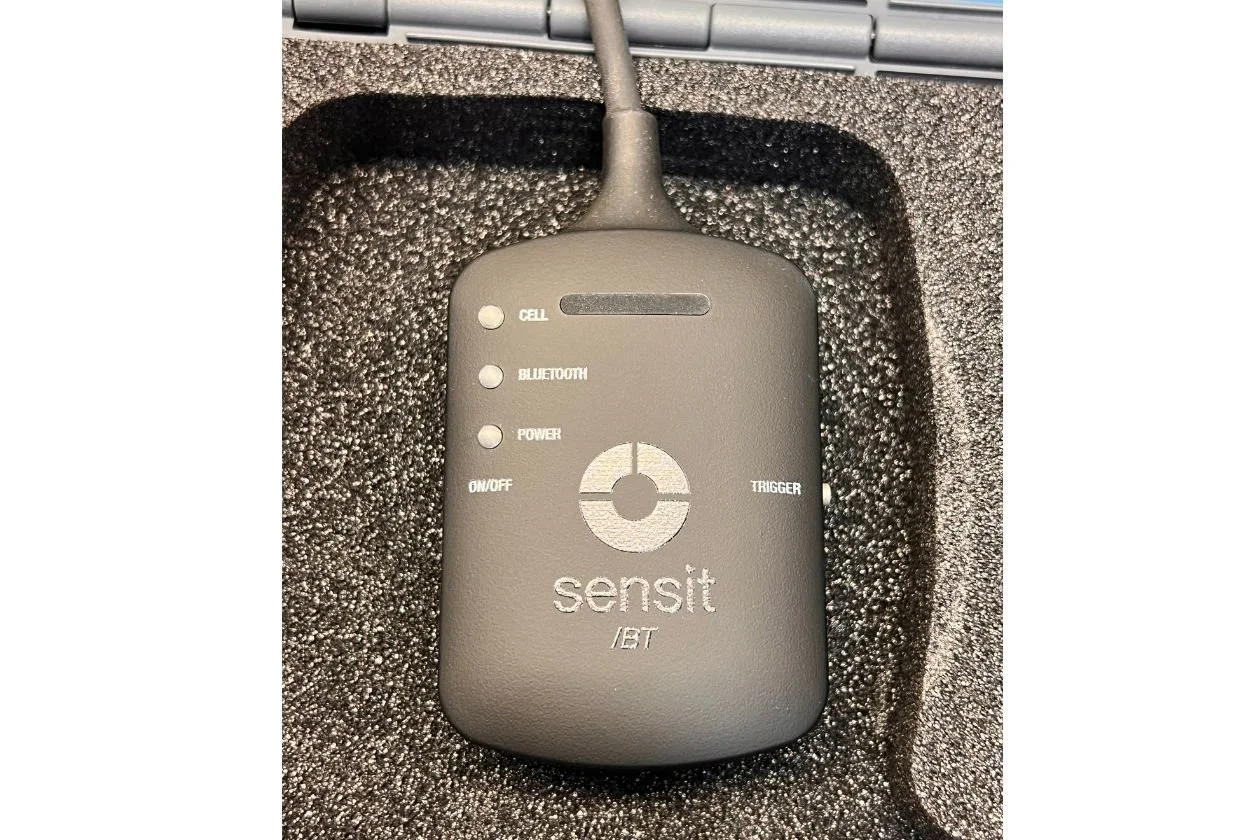 Image 7 of 14
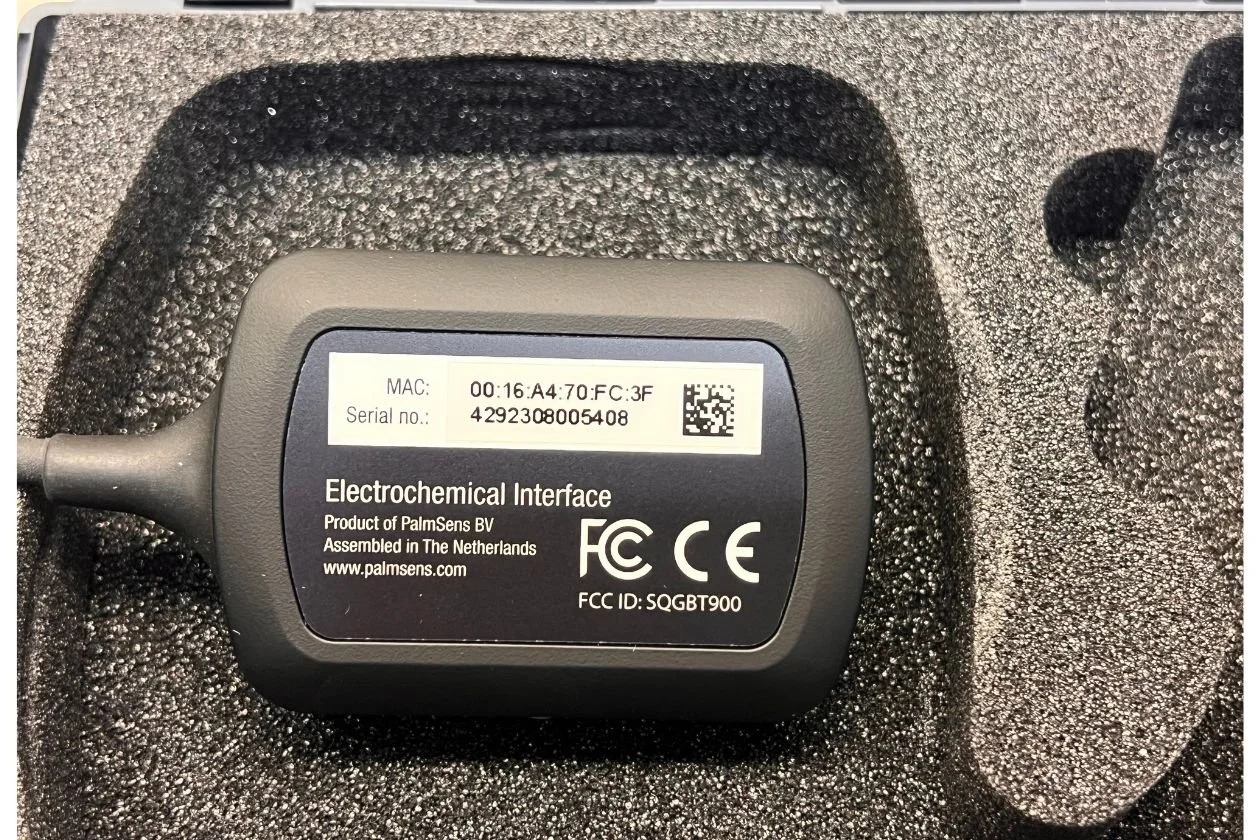 Image 8 of 14
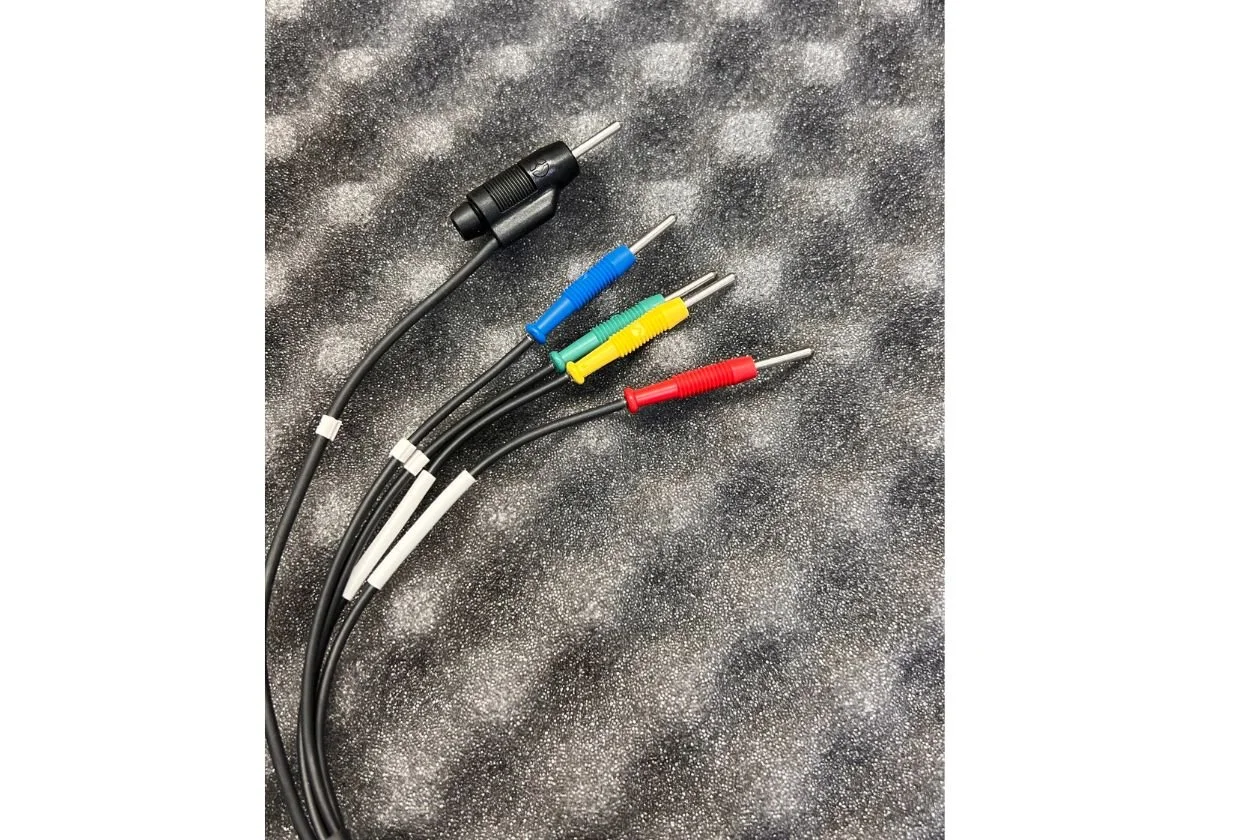 Image 9 of 14
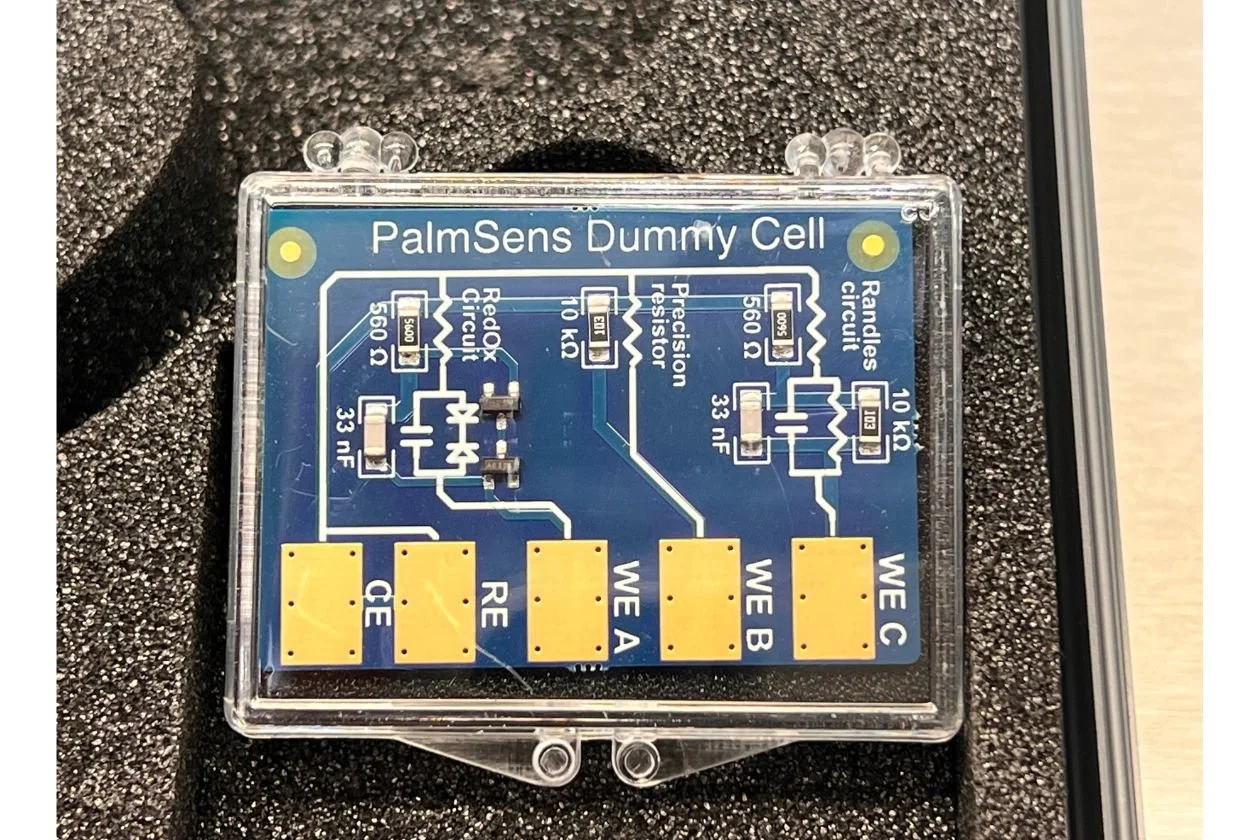 Image 10 of 14
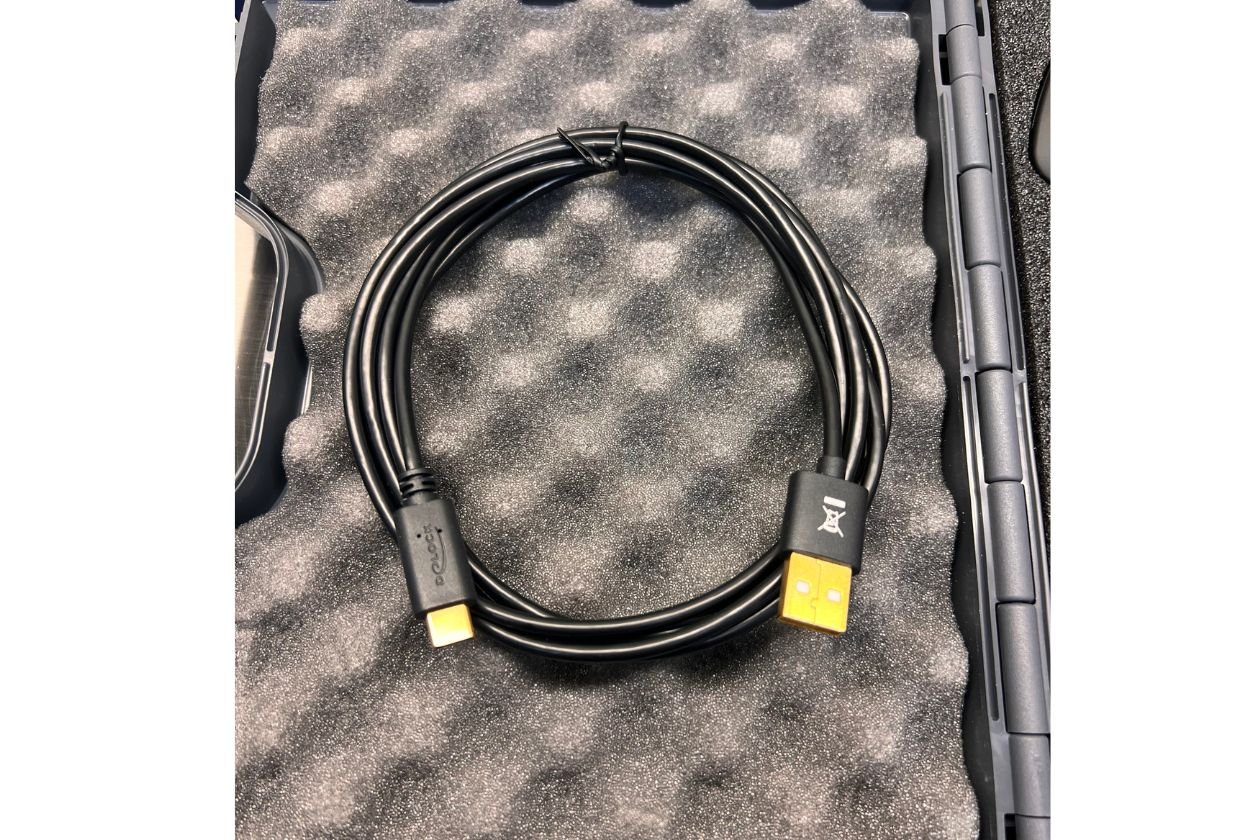 Image 11 of 14
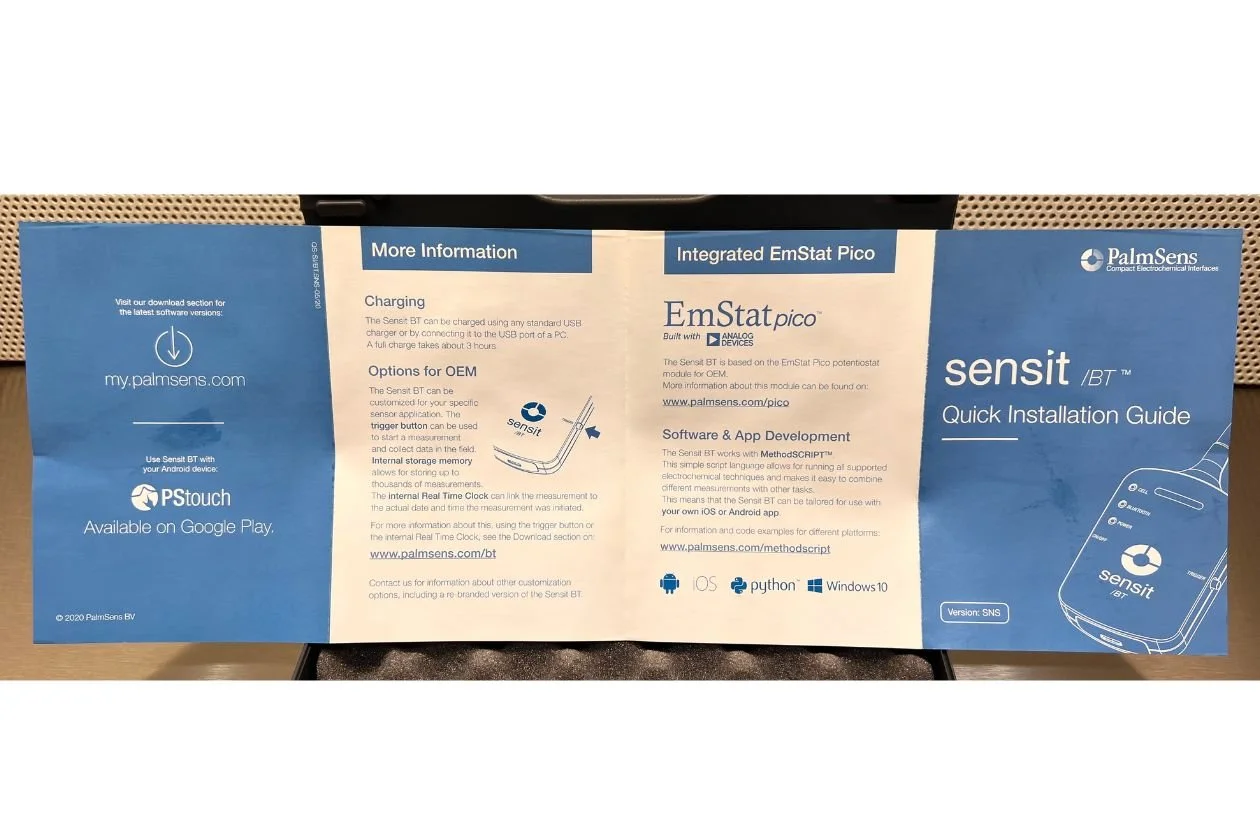 Image 12 of 14
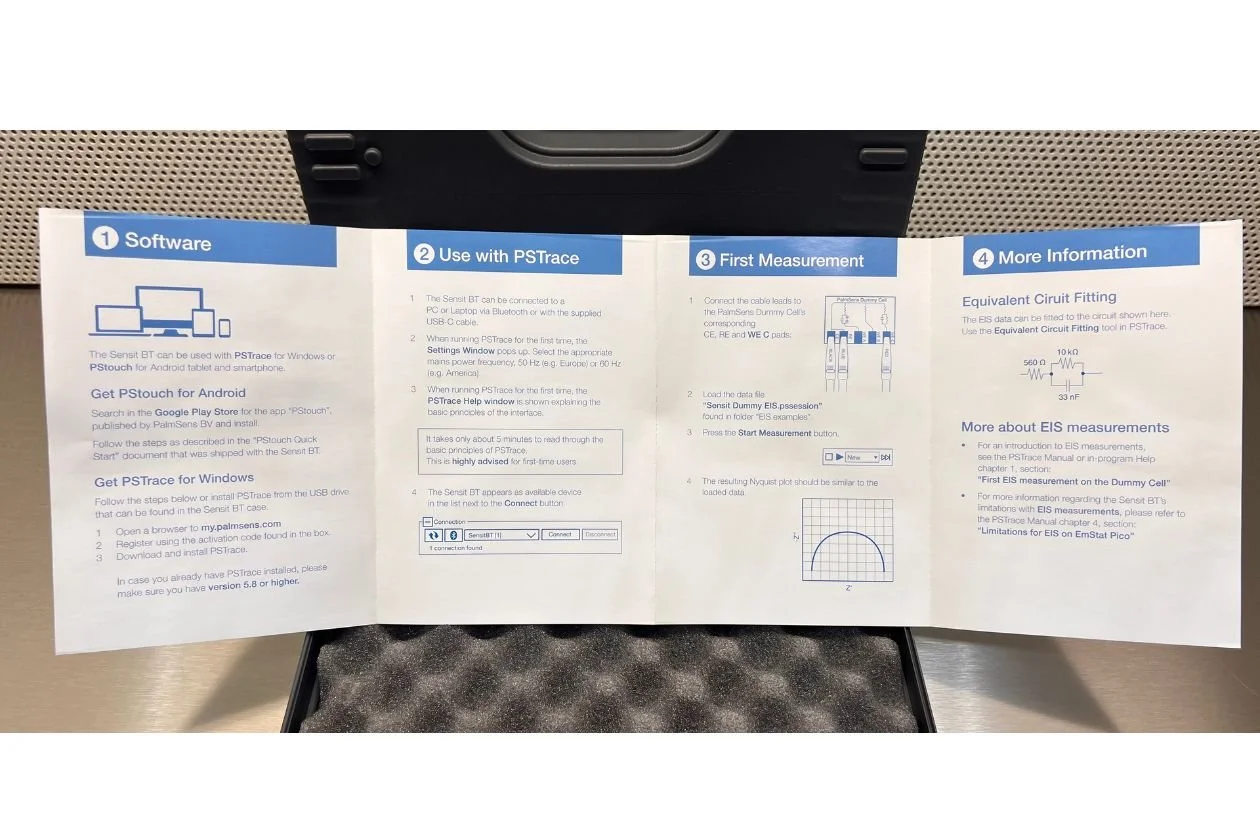 Image 13 of 14
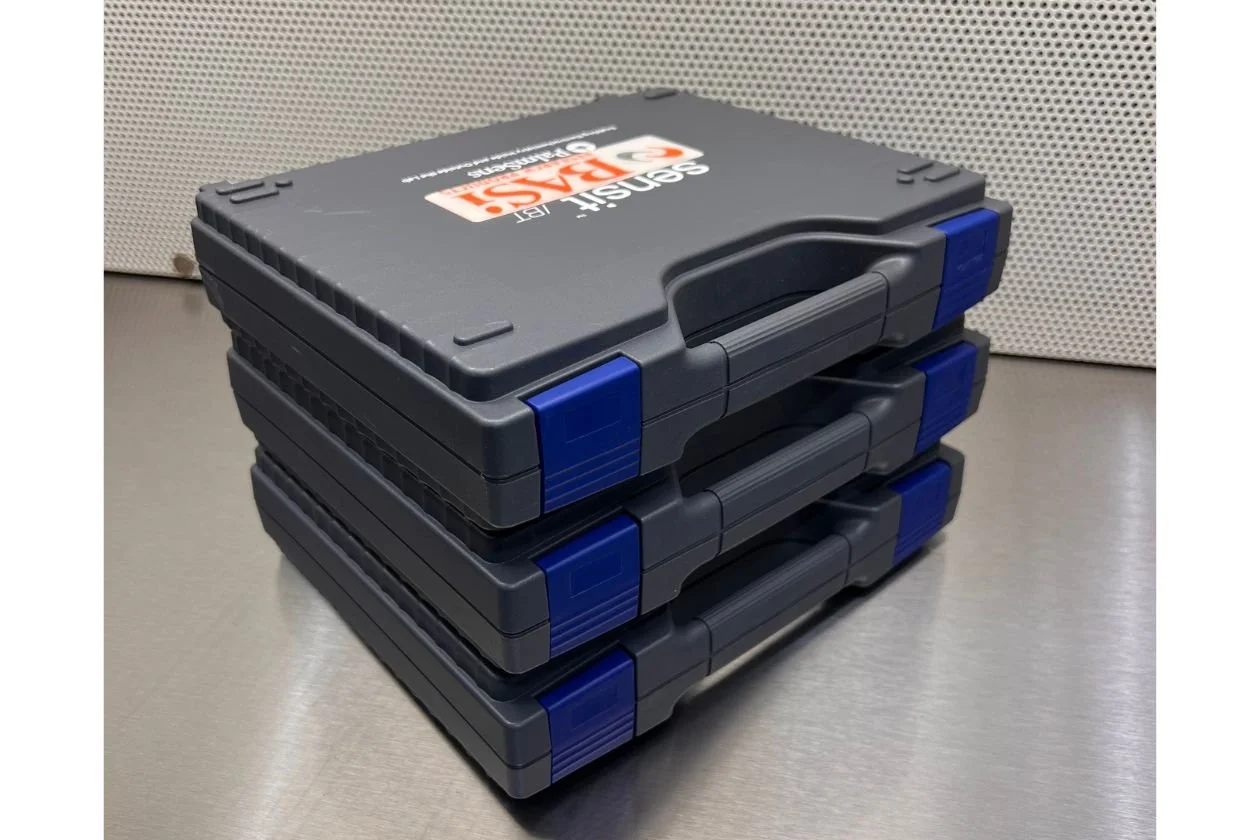 Image 14 of 14